

User roles are defined by permissions which determine what individual users can and cannot do in LOAMS.
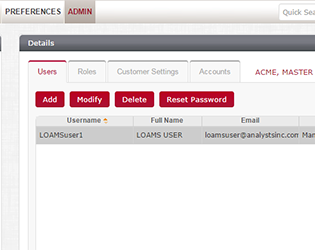
Designate roles, permissions and preferences to determine how oil analysis data is received, displayed and communicated to others
Technical Support
- Help icons on each menu tab explain the tab’s functionality
- Quick Links give users access to detailed training videos, quick start guides and frequently asked questions
- The LOAMS Help Desk is available to demonstrate LOAMS features or answer at 1.800.655.4473 or loams@analystsinc.com.
More LOAMS Features & Functionality
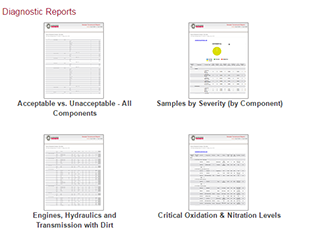 |
Diagnostic ReportsQuickly identify equipment-specific issues. |
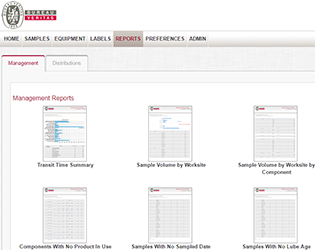 |
Management ReportsCompile a comprehensive view of all oil analysis program data generated. |
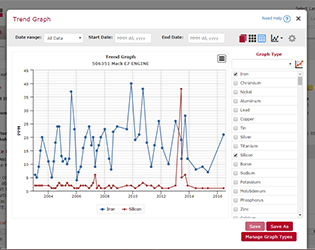 |
Trend GraphingChart sample conditions, pinpoint trends and compare unit and component performance. |
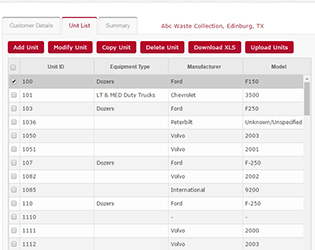 |
Equipment & Sample Report ManagementMaintain clean equipment lists, submit samples and print jar labels online and create custom search filters. |
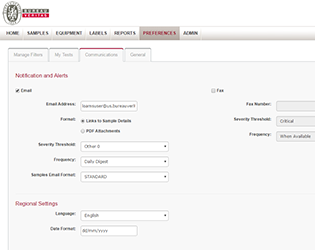 |
Communications & DistributionsUser preferences determine how and when information is received, how it’s displayed and how you can communicate it with others. |